

Ollama & OpenClaw: Run Open Models on Your Own Stack
MP4 | Video: h264, 1920x1080 | Audio: AAC, 44.1 KHz, 2 Ch
Genre: eLearning | Language: English (US) | Duration: 3 h | Size: 1.98 GB
Run open source LLMs on infrastructure you own - no API bills, no data leaving your servers.
This is the most complete hands-on course for running
Ollama
and
OpenClaw
on your own private infrastructure. You will learn to deploy open weight models on a Linux server and a rented GPU, build a self-hosted AI assistant with Open WebUI, and connect an autonomous AI agent through
OpenClaw
- all without sending a single token to a third-party API.
If you are a developer tired of API costs, worried about data privacy, or building AI tools for a team or a client, this course gives you a complete, working stack you control from day one.
What makes this course different
Most Ollama courses run models on a laptop. Most OpenClaw courses wire it to cloud APIs. This course does neither. You will rent a server, configure it from scratch, install and serve
Ollama
, pull open weight models, and connect
OpenClaw
as an autonomous agent - all on infrastructure you fully control. You will also deploy a GPU instance on a cloud GPU platform and run a live benchmark showing the real speed difference between CPU and GPU inference: over 60 times faster, at a fraction of the cost of a dedicated machine.
Section 1 - Ollama on a Private Server
You start with a fresh Linux VPS and end with a fully working private AI stack.
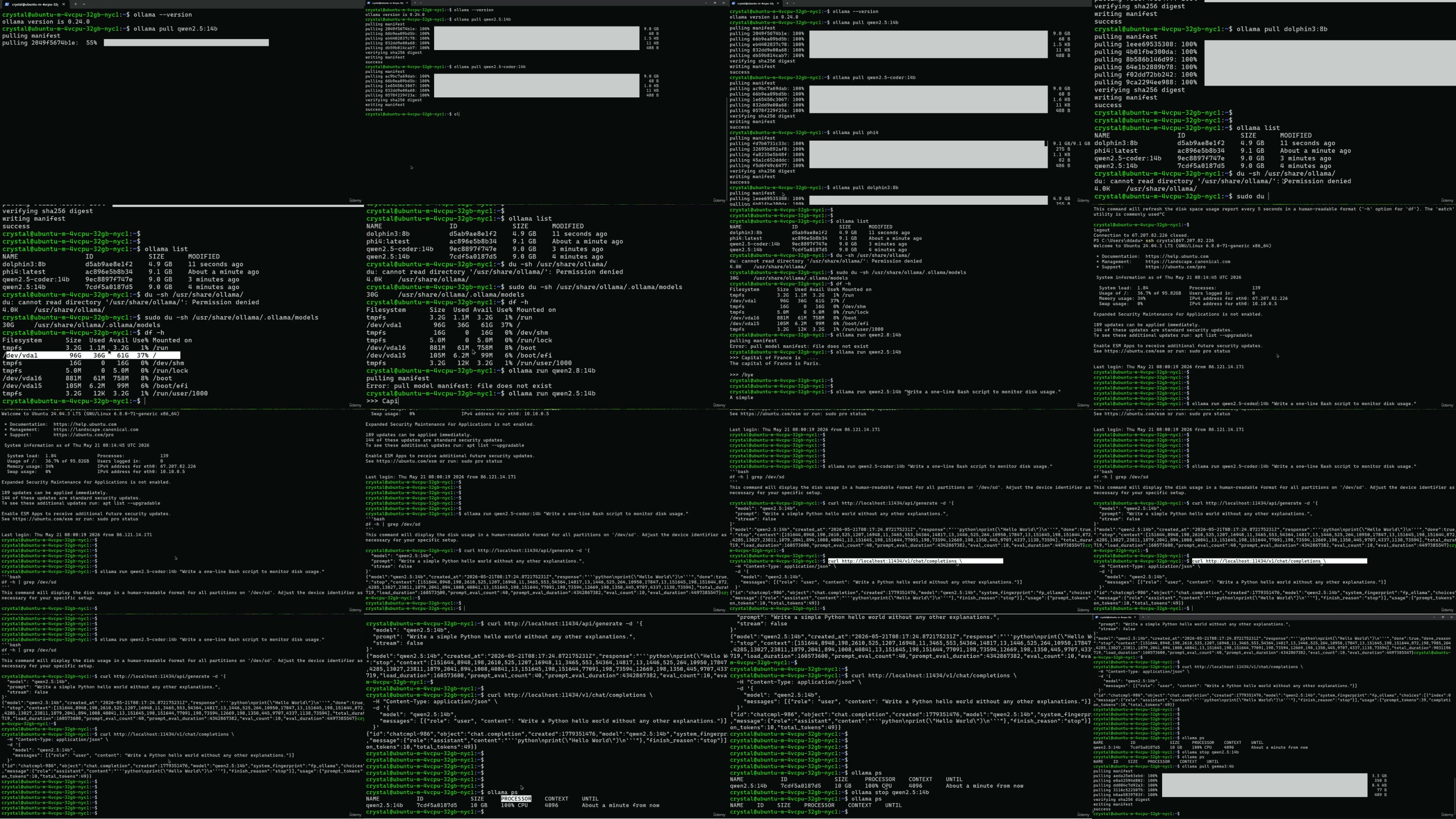
Set up a Linux server, configure SSH, and create a secure user
Install and configure
Ollama
to serve open weight models via API
Pull models from the
Ollama
library, Hugging Face, and GGUF sources
Understand quantization, VRAM requirements, and how to pick the right model size
Control model behaviour: temperature, context length, and runtime parameters
Build custom model variants using
Ollama
Modelfiles
Deploy
Open WebUI
- a self-hosted ChatGPT-style interface for your models
Access your private AI securely from anywhere using SSH tunneling
Explore LM Studio as a desktop-based alternative to
Ollama
Section 2 - GPU Inference and OpenClaw
You take the same stack to a rented GPU and add an autonomous AI agent.
Deploy a GPU instance on a cloud GPU platform from scratch
Install
Ollama
on the GPU instance and serve open weight models at full speed
Run a live CPU vs GPU benchmark: real numbers, same model, same prompt
Learn what agentic AI is and how it differs from a chatbot or a RAG pipeline
Install and configure
OpenClaw
on your own server
Connect Telegram as an interface for your
OpenClaw
agent
Manage persistent terminal sessions with tmux for always-on agent operation
Harden your
OpenClaw
configuration for secure, production-ready deployment
Who this course is for
Developers who want to run open source models locally or on a private server
Teams that cannot send data to external APIs due to privacy or compliance requirements
Engineers exploring agentic AI with
OpenClaw
and local LLMs
Anyone paying monthly AI API bills who wants a cost-effective self-hosted alternative
Developers curious about
Ollama
,
Open WebUI
, GPU inference, and autonomous agents
Tools and stack covered
Ollama
-
OpenClaw
- Open WebUI - GPU cloud - Linux VPS - LM Studio - tmux - SSH tunneling - Ollama Modelfiles - GGUF - Hugging Face - Telegram
What you will be able to do after this course
By the end, you will have a fully working self-hosted AI stack:
Ollama
serving open weight models on both a CPU server and a GPU instance, Open WebUI as a private chat interface, and
OpenClaw
running as an autonomous agent accessible via Telegram - all on infrastructure you rent, control, and can shut down whenever you want.
No vendor lock-in. No API subscriptions. No data leaving your infrastructure.
If you want to run powerful open weight models privately, build with
OpenClaw
, and own the infrastructure under your AI stack - this course is the fastest path to get there.
More Info

RapidGator Please Login or Register to see this code NitroFlare Please Login or Register to see this code UsersDrive